> For the complete documentation index, see [llms.txt](https://docs.thx.network/llms.txt). Markdown versions of documentation pages are available by appending `.md` to page URLs; this page is available as [Markdown](https://docs.thx.network/campaign-managers/integrations/gitcoin-passport.md).
# Gitcoin Passport
Privacy respecting proof of humanity and reputation. Fights bots and spam.
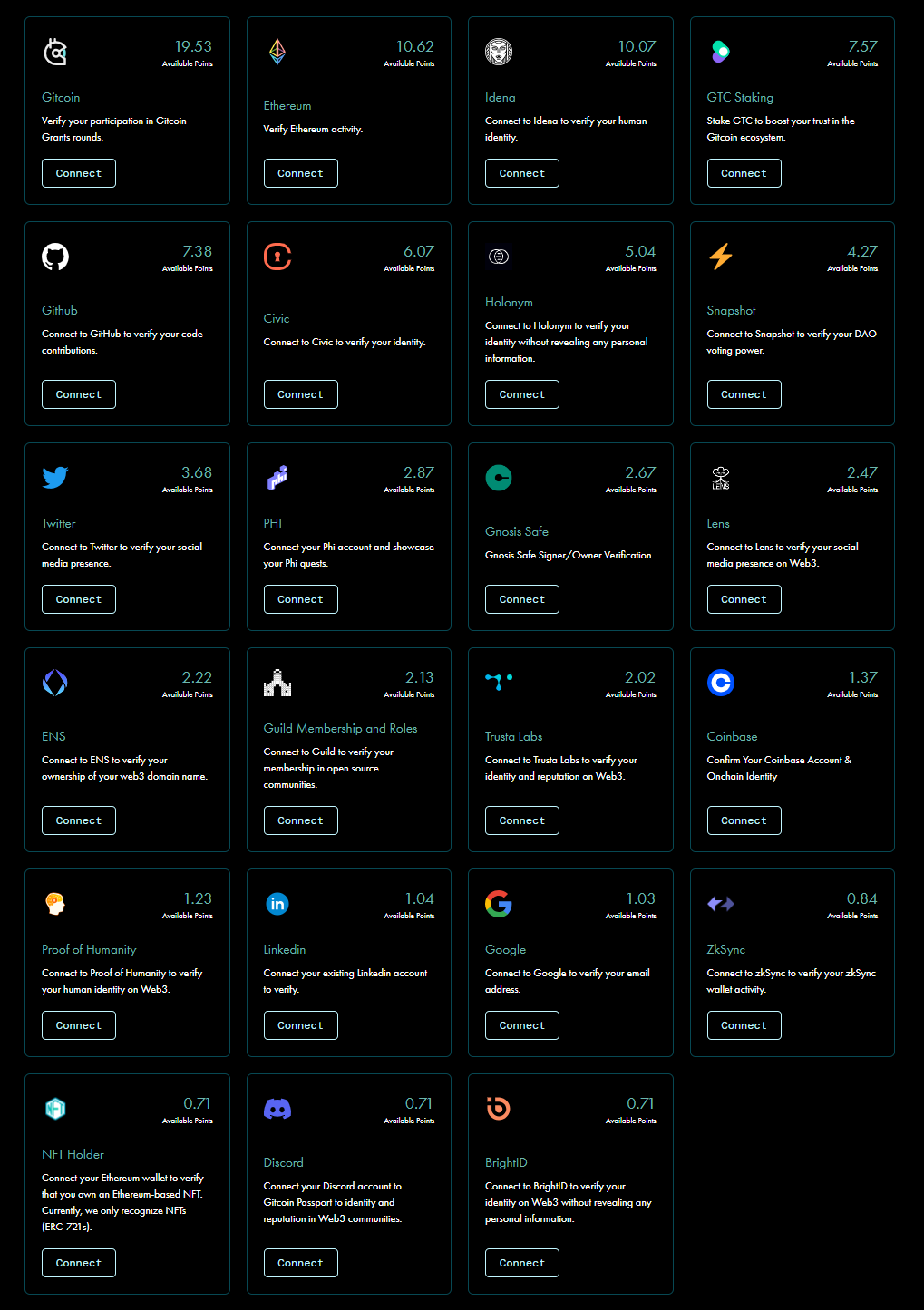
### 23 verification methods and counting
You can provide your users with over 23 methods to verify that their account is not a bot. The more accounts a user links, the higher their score. Read more about Gitcoin Passport at
### Setting up Gitcoin Passport
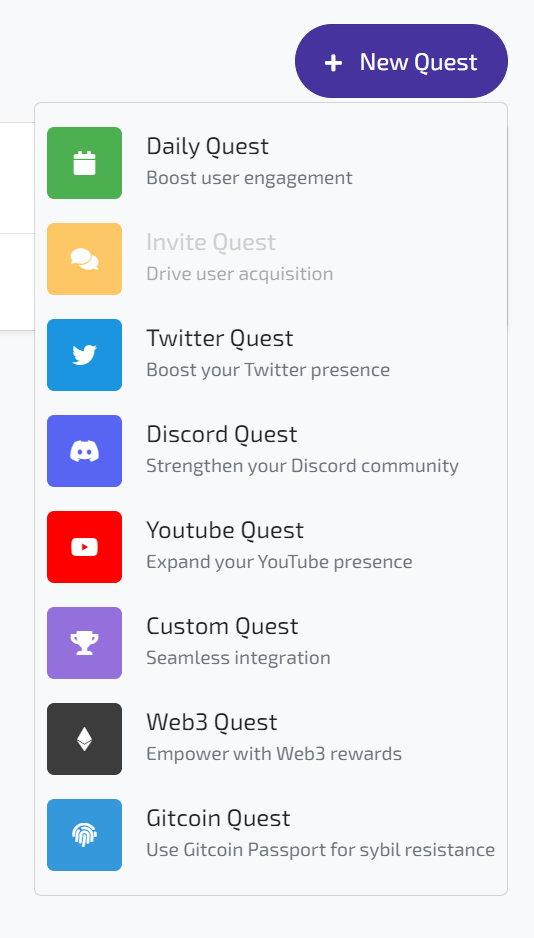
You find Gitcoin Quests under 'New Quest' on the right hand side of your dashboard.
Set an requirement to have a Gitcoin Passport score between 0 and 100 points.
### Set up Quest Locks
Lock certain high-value quests with the requirement to complete the Gitcoin Passport quest. Effectively you just guarded your guests against bots! Read more about Quest Locks in general below.
{% content-ref url="/pages/3iQfFjXHcnZEmFChsduJ" %}
[Quest Locks](/campaign-managers/quests/quest-locks.md)
{% endcontent-ref %}
### End Result for Users
Users see the Gitcoin Passport quests displayed in the widget or on the campaign pages.
A Gitcoin Passport quests as offered to the user in the widget.